Gameplay
Set Up and Refill Pack Opener Machines
Learn tcg card shop simulator card machines unlocks, prices and capacities, then load packs, collect cards and fix employee refill or access problems.
Updated
- Guides
- 39
- Topics
- 3
- On this page
- 6
Choose a machine for your shop level
On PC, Pack Opener Machine S, M and L unlock at shop levels 16, 32 and 55 respectively and are purchased through MY DIY. They automate opening supplied sealed packs; an employee can refill permitted stock, but you must collect completed cards before another batch begins.
Machine unlocks, prices and pack capacities
| Machine | Shop level | Purchase price | Pack capacity | How to get it |
|---|---|---|---|---|
| Pack Opener Machine S | 16 | $3,000 | 32 packs | Purchase through MY DIY after reaching its shop-level requirement. |
| Pack Opener Machine M | 32 | $8,000 | 64 packs | Purchase through MY DIY after reaching its shop-level requirement. |
| Pack Opener Machine L | 55 | $20,000 | 128 packs | Purchase through MY DIY after reaching its shop-level requirement. |
Choose a machine around the batch capacity you want and the purchase you can afford. Plan its floor space before placing it, including a usable route from your pack storage. A convenient position also makes it easier to remember to collect finished cards.
Load packs and collect the finished cards
- Purchase an unlocked Pack Opener Machine through MY DIY to add the equipment to your shop.
- Place the machine in accessible floor space so you and your workers can reach it.
- Load eligible sealed packs into the placed machine to supply the batch it will open.
- Start the opening process to turn the supplied packs into individual cards.
- Collect the resulting individual cards when the batch finishes, clearing the completed output before another batch begins.
What pack-opening automation replaces
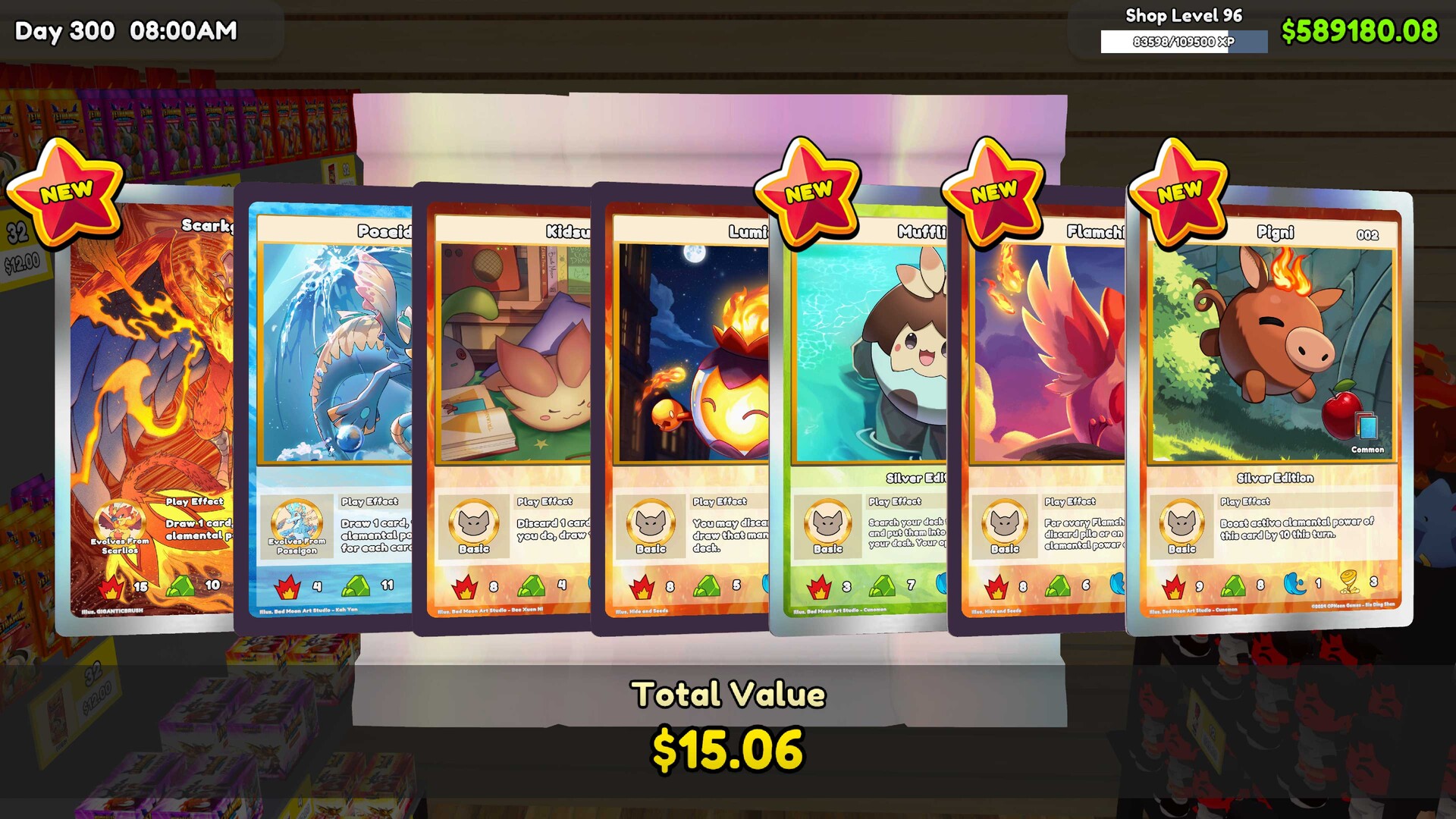
The machine handles pack opening, while the packs themselves come from your available stock. Every batch uses real in-game retail inventory, so the resulting cards are not free stock. Keep that cost in mind when deciding which packs you want to open instead of keeping available for sale.
Employee refilling can handle loading from available, permitted pack inventory. It does not remove your collection step: completed cards still need to be collected by you before another batch begins. Include collection in your shop routine if you want the machine to keep moving through batches.
Set up employee refilling
Assign Pack Machine among the employee's tasks to let them refill from available, permitted pack inventory. Review allowed pack types and task priority so the worker is set up for the stock you want to open. Keep usable floor space and a clear route from storage to the machine so the worker can reach it.
Check why the machine is idle
- Check the machine for finished cards awaiting collection to identify whether completed output is holding up the next batch.
- Check for suitable sealed packs in reachable inventory to see whether the machine has stock available to open.
- Check the worker's assigned tasks for Pack Machine to verify that refilling is actually part of their duties.
- Review allowed pack types to see whether the available stock is permitted for the machine.
- Review task priority to check how machine refilling fits among the employee's duties.
- Inspect the route from storage to the machine for obstructions or unusable floor space that could prevent access.
Machines automate opening rather than acquiring packs. An idle machine is a reason to check its stock, output and worker setup. Keep replacement pack purchases in your stock-planning routine instead of expecting the opener to supply itself.