Help & community
Find and Back Up Your TCG Card Shop Simulator Save
Find the tcg card shop simulator save file location on Steam, back up your files safely, and check Xbox storage, cloud sync and restore limits.
Updated
- Guides
- 39
- Topics
- 3
- On this page
- 6
Steam and Xbox-app PC save locations
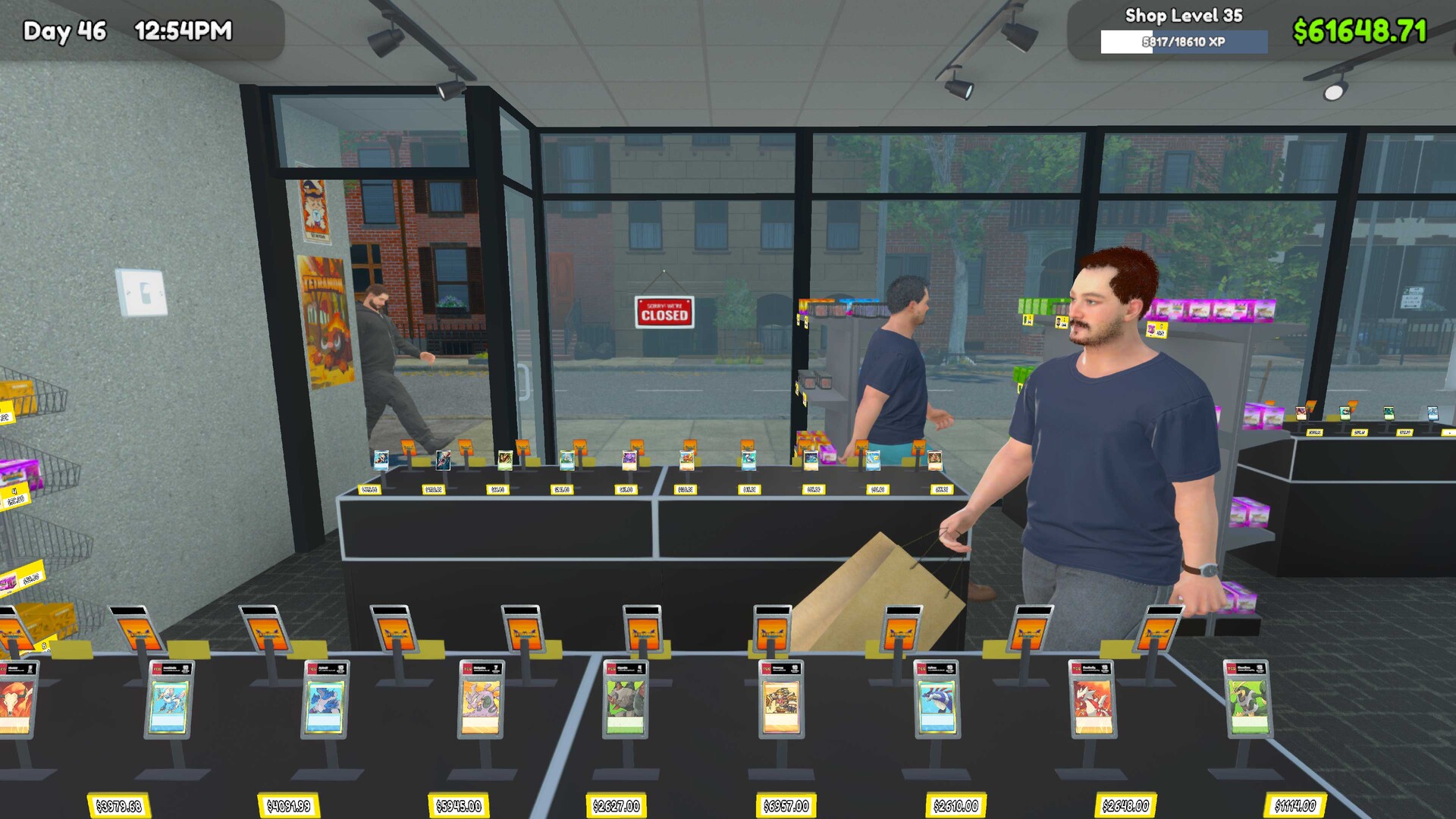
For the Windows Steam edition, look in %USERPROFILE%\AppData\LocalLow\OPNeonGames\Card Shop Simulator for files whose names begin with savedGames. The Xbox-app PC edition uses a separate Microsoft Store/Xbox save container, so keep its save storage separate from the Steam folder.
Make a backup before moving or editing saves
- Finish saving your game so the backup includes the progress you intend to preserve.
- Close the game before handling its save files, leaving the saved state ready to copy.
- Open the save storage for your edition, using the Steam folder or the separate Xbox-app PC container as appropriate.
- Copy the entire relevant save directory, or the identified save files, to a separate backup location before making changes.
- Open the backup location and check that the copied files actually exist before relying on that backup.
- Label the backup with its edition and the reason you made it so you can recognize the intended recovery point later.
- Set aside an untouched copy of the backup so you retain a way back if a later restore or troubleshooting attempt fails.
Check what your backup contains
Inspect the files inside the backup before moving on to a restore. Compare their names with the files you meant to copy, and make sure you are inspecting the backup destination rather than the original folder. Keep the untouched backup separate from any copies you use for experiments.
Give backups made before different changes clear, descriptive labels. A backup made before removing a mod serves a different purpose from a backup of your latest ordinary play session. Record which state you want to recover so you can choose deliberately when troubleshooting.
Save carryover and platform limits
The official version-1.0 FAQ says existing version-0.70 saves carry over without starting a new save. Treat that as guidance for the stated upgrade rather than permission to move saves between arbitrary builds. Back up your save before changing game builds or using mods that alter card data.
Steam supports Steam Cloud, while Xbox lists Xbox cloud saves and Xbox Play Anywhere. Those features belong to their respective ecosystems and should not be treated as universal save-file interchange. Cross-save between consoles and Steam is unavailable.
Keep cloud sync in mind during a restore
Cloud synchronization and automatic saves may replace the local state you intended to retain. Before restoring anything, decide which saved state you want to keep and preserve a separate copy of it. Leave your untouched backup available throughout the attempt so a failed restore can be reversed.
After loading, check that the shop shows the progress you expected before continuing to play. If the loaded state looks wrong, pause the troubleshooting attempt and review which copy you used. Keep any further experiments separate from the backup you originally preserved.
Before removing a mod or changing builds
Make your backup before changing builds or using a mod that alters card data. For a mod-removal troubleshooting session, keep the backup from before the change clearly labeled. Record what you changed alongside the backup so you can retrace the attempt without confusing it with later saves.