Gameplay
How to Set Product and Individual Card Prices
Use this tcg card shop simulator set price guide to change shelf and card prices, check market values, manage staff repricing and respond to refusals.
Updated
- Guides
- 39
- Topics
- 3
- On this page
- 6
Change prices through the item's sale label
To change a sealed product's price, interact with its price label on an accessible retail shelf; for an individual card, use its price label on a Card Table. Check TCG Price for the current market value, then revisit the asking price when the market moves or customers stop buying.
Put the item somewhere it can sell
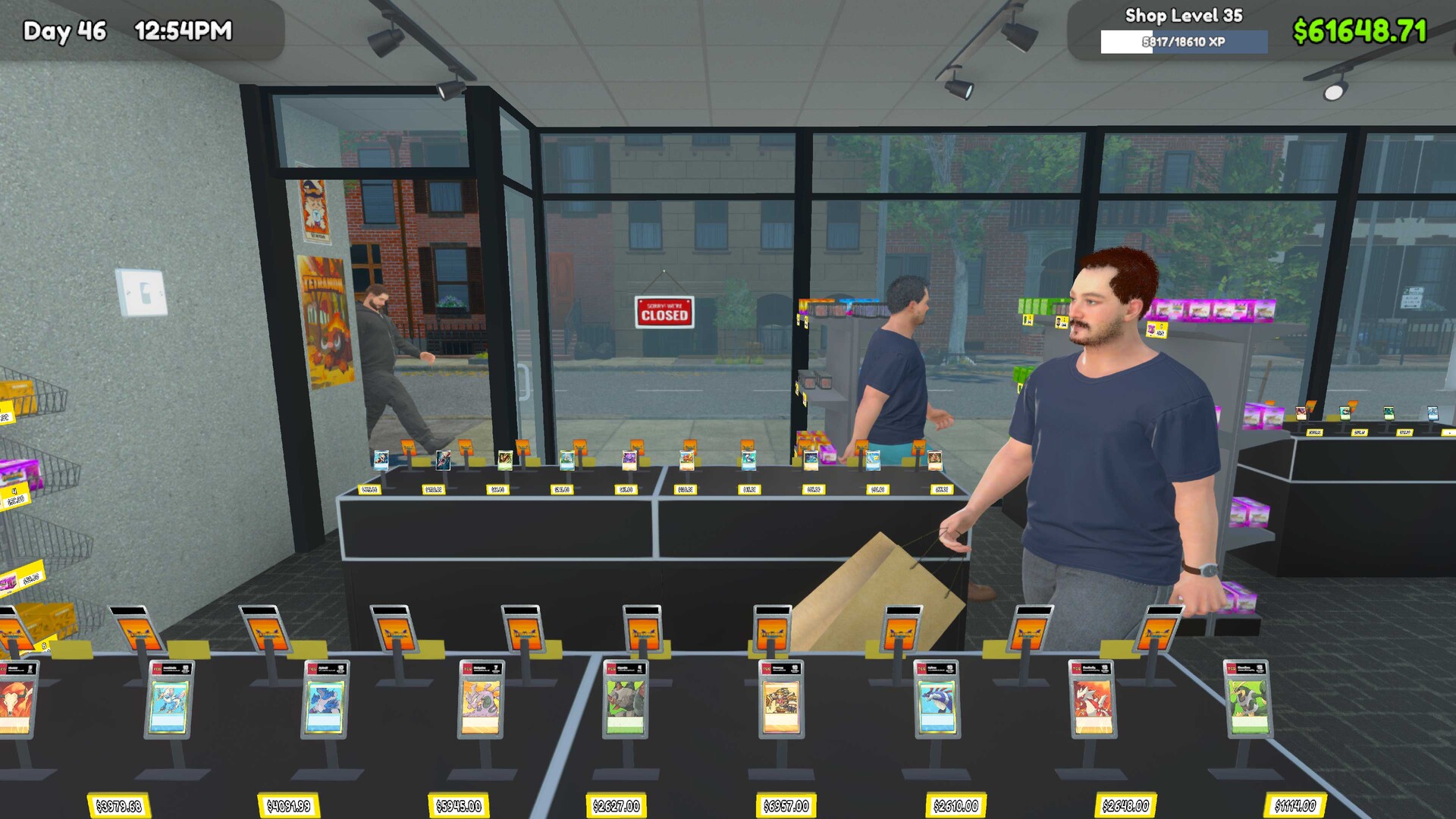
Place sealed stock on an accessible retail shelf and individual cards on a Card Table before setting their sale prices. Display-only furniture does not sell cards, so a collectible on display should not be treated as stock awaiting a buyer. Use TCG Price to check the market reference for the product or card variant you intend to sell.
Set a product or individual-card price
- Place the product on a retail shelf or the individual card on a Card Table so it occupies an accessible selling slot.
- Check the item in TCG Price so you have the current market-value reference for the correct product or card variant.
- Interact with the item's price label so you can set or change the amount customers are asked to pay.
- Choose an asking price with the market value and replacement-stock cost in mind so you can judge the intended margin.
- Observe completed sales and refusals so you can assess how the asking price affects turnover.
- Reassess the price against the current market reference when buying slows so your next adjustment reflects the item you are selling now.
Balance margin against stock turnover
Customer acceptance decreases as markup rises, independently of whether the customer has enough money for the item. A higher asking price can improve the margin on a completed sale while reducing how often the item sells. Valuable stock can consequently remain unsold while occupying a selling slot.
Judge a price by completed sales, current market value, replacement-stock cost and the time the item occupies its slot. A large asking price alone does not show how well that slot is earning. When you compare pricing choices, consider the sales you complete as well as the margin you hoped to make.
Decide whether your immediate priority is moving stock or holding out for a larger margin. Keep a brief note of what you changed and what you observed afterward. That makes the next adjustment easier to judge than repeatedly changing prices without tracking the result.
Delegate routine repricing to staff
Employees can receive a Set Price assignment with markup and rounding options. Use that assignment for repetitive repricing of routine products while keeping rare individual cards under manual price control. This lets you review those individual asking prices deliberately while delegating routine updates.
Review the settings you choose for the worker before leaving routine pricing to them. Check a repriced product afterward and decide whether the result matches your intended approach. Keep the same market-value and completed-sales checks when assessing prices set by staff.
Respond when prices move or products stop selling
- Refresh the market reference in TCG Price, then update the affected shelf or card-table price if your asking price needs reassessment.
- Check that the selling slot still contains stock before treating a lack of purchases as a pricing problem.
- Check that customers can reach the item and that nearby routes are not obstructed before adjusting the price again.
- Consider affordability alongside markup when interpreting refusals, because price acceptance and the customer's available money are separate concerns.
If stock is accessible but customers keep refusing it, review the asking price against the current market reference. Higher markup reduces acceptance, so consider lowering the asking price if moving that stock is your priority. Compare completed sales afterward before deciding whether to keep the adjustment.