Help & community
TCG Card Shop Simulator Update: Patch Notes and Save Checks
Read the TCG Card Shop Simulator update changes, compare patch scope, and check save carryover, installed versions and mod dependencies before returning.
Updated
- Guides
- 39
- Topics
- 3
- On this page
- 6
The latest numbered Steam patch
As of October 15, 2026, Build 1.02 is the newest numbered gameplay update in the official Steam announcements, appearing as an addendum to the September 14, 2026 version-1.0 announcement without a separate release date. Steam lists Windows support and a September 14 full release, while the console rollout was announced for September 15; check your own platform's installed version before comparing patches.
Patch scope, release state and PC requirements
| Option | Details |
|---|---|
| Latest numbered Steam changes | Build 1.02, listed within the version-1.0 announcement; no separate release date is stated. |
| Steam platform and release | Windows on Steam; the full release date displayed is September 14, 2026. |
| Console announcement scope | Version 1.0 was announced for the September 15 console rollout. Check the installed console version separately. |
| Operating system | Minimum and recommended: Windows 10, 64-bit. |
| Processor | Minimum: Intel Core i5-3550. Recommended: Intel Core i5-6400. |
| Memory | Minimum and recommended: 8 GB RAM. |
| Graphics | Minimum: NVidia GeForce GTX 1050. Recommended: NVidia GeForce GTX 1070. |
| DirectX | Minimum and recommended: DirectX Version 11. |
| Available storage | Minimum and recommended: 5 GB available space. |
What the newest builds change
Build 1.02 increases the chance of receiving an Ascension Card Pack gift after winning a duel, including at lower shop levels. It also fixes duel-win tracking for the TCG Arcade achievement. The tournament-progression change is described as a possible fix, so retest an affected tournament without assuming every stalled event will recover.
Build 1.01 lets you use RMB to skip the entire graded-card opening sequence. At the end of opening, you now hold all the graded cards. That build also fixes the gamepad selection interface remaining after a match and a problem that prevented joining a tournament match before it had started.
The October 9 official post announces a game bundle and says work on bug reports continues. It does not announce another numbered gameplay update. When checking whether you have caught up, compare the numbered gameplay changes with your installed version rather than using the newest news-post date alone.
What returning shop owners gain
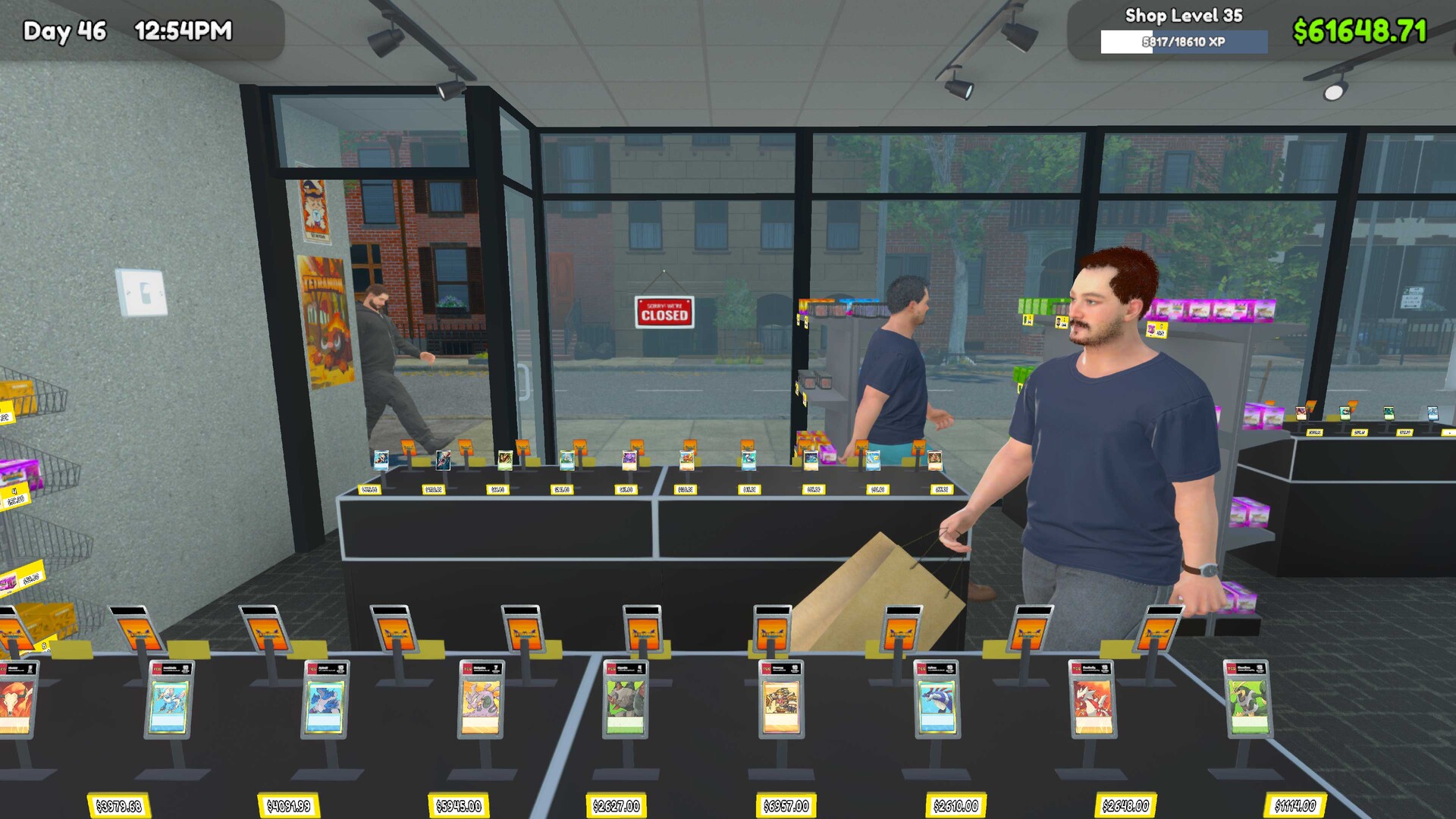
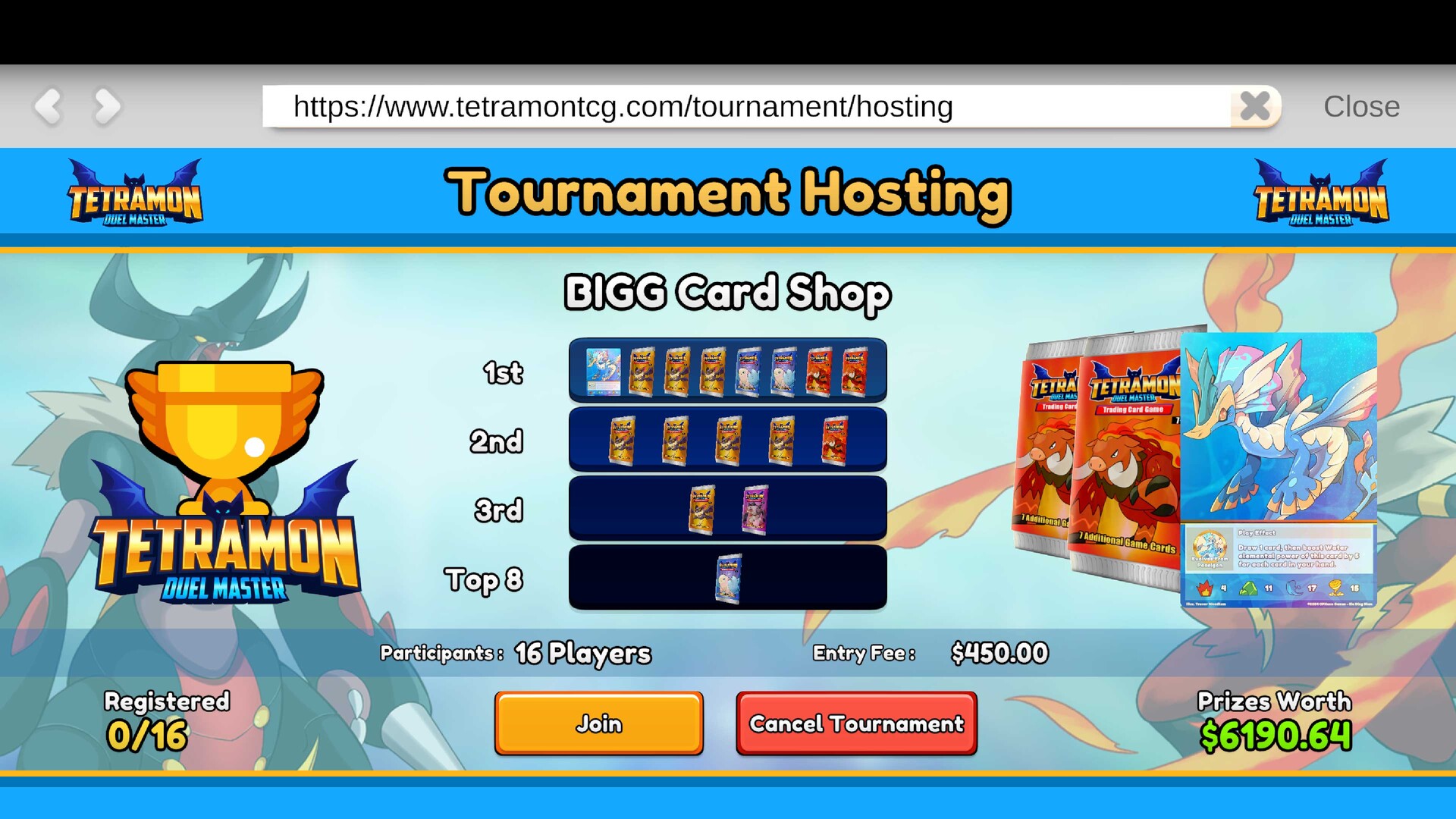
Version 1.0 adds playable Tetramon duels against NPC customers, with the rulebook and deck editing available at the Workbench. The Workbench unlocks at shop level 7. You can also enter a tournament you host and keep prizes according to your finishing rank.
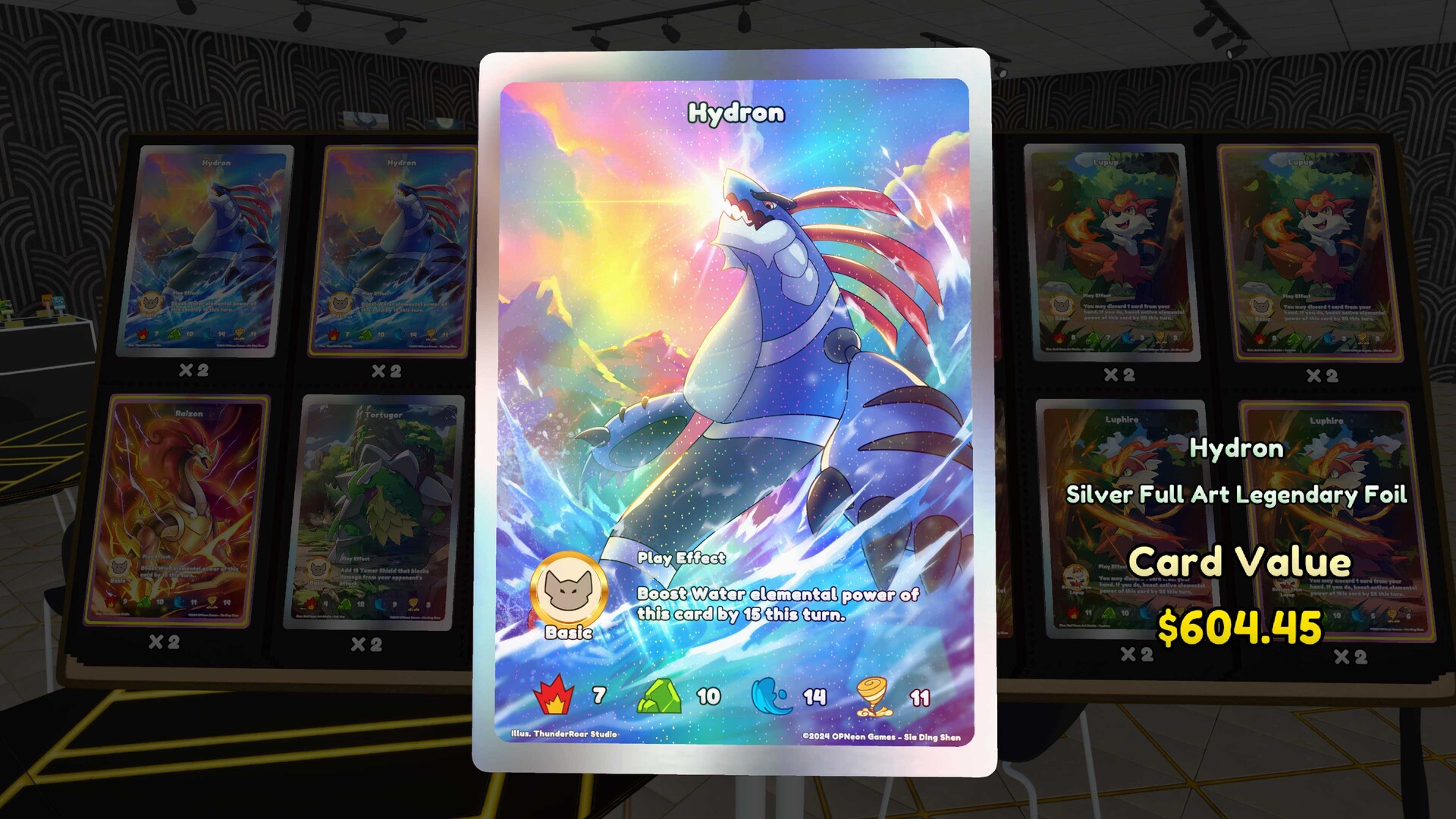
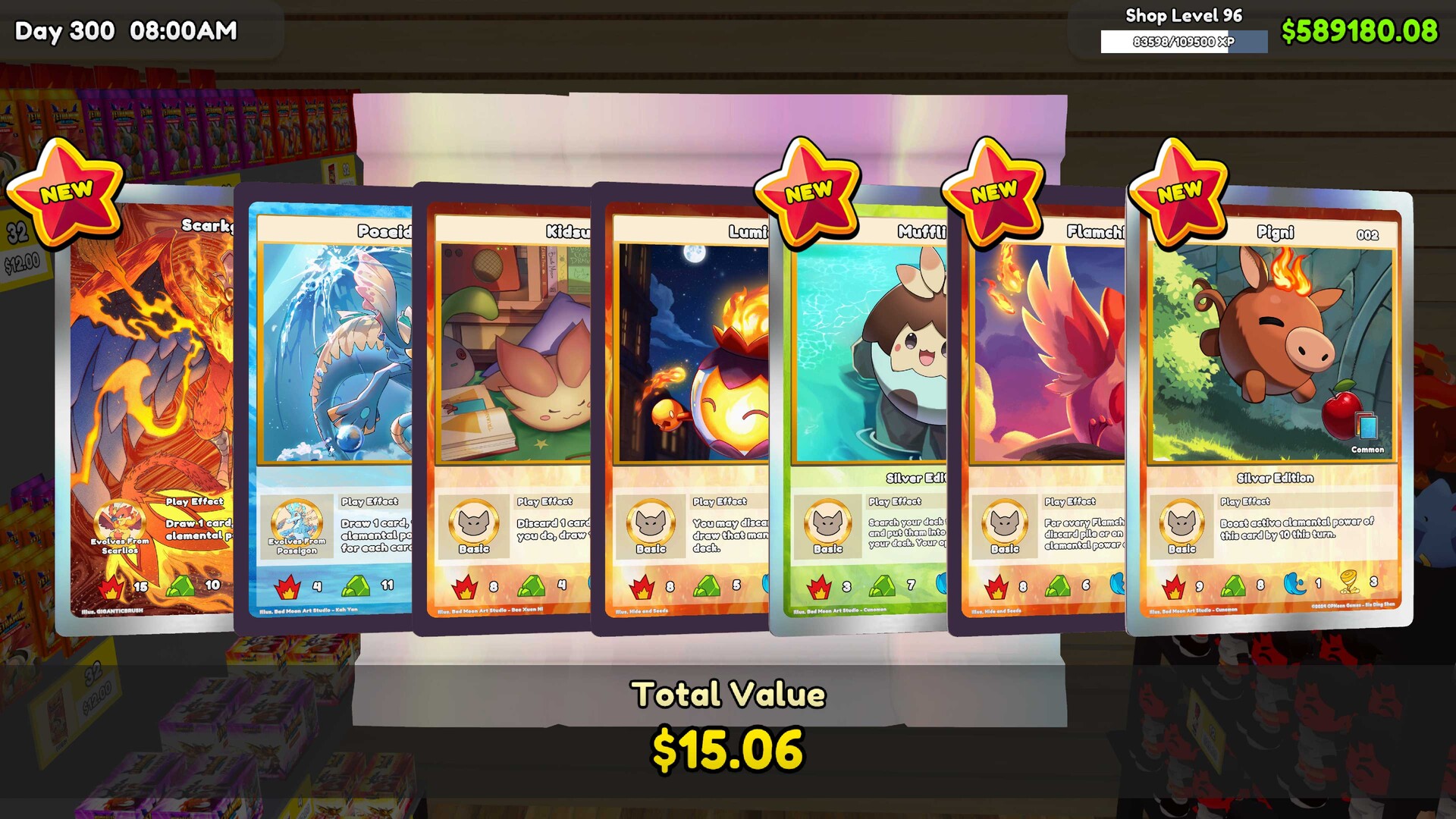
For collectors, version 1.0 adds Ascension packs and 1,452 new cards, alongside gift packs from playing duels and five new Steam achievements. Tetramon card stats, stat icons and Play Effect text were also updated. Read the current card text when revisiting an older deck instead of relying entirely on your previous choices.
The shop fixes address workers losing their skill level after being fired and the game being saved, plus customers becoming stuck in an unopened Shop Lot B. Tournament save-and-load fixes address customers appearing without clothing or going missing. Models and textures were optimized, and overall memory usage was reduced.
Visual changes include adjusted wall, floor and ceiling material colors, fixes for uneven wall and ceiling texture seams, and a fix for certain held items appearing too close to the camera. Localization text was updated as well. If your shop looks different after updating, compare these documented adjustments before changing your decoration setup.
Update while keeping the intended game and save
- Confirm the product you are updating. On Steam, use TCG Card Shop Simulator by OPNeon Games and compare its own announcements with your installation.
- Back up the save you want to preserve before changing builds. Keep that backup available while checking the updated game.
- Use your platform's update process, then verify the version actually installed. Check the current version for that platform before comparing it with the Steam announcement.
- Continue your existing save when moving from version 0.70 to 1.0. The developer says those saves carry over, so the update itself does not require a new game.
- For a modded installation, recheck BepInEx and each mod's dependencies against the updated build. The official patch notes do not promise compatibility with every third-party mod.
- Load the intended shop and inspect your collection, workers and tournament state before making further changes. Keep your backup while you check whether the result matches what you expected.
Save and compatibility questions
- Do I need to start a new shop after updating?
- No. The developer explicitly says saves from version 0.70 carry over to 1.0. Back up your existing save before changing builds, then continue the shop you want to keep.
- Can I move my console save to Steam?
- No. Console-to-Steam cross-save is unavailable. Plan to continue on the platform that holds your existing shop.
- Does the announcement give the newest build its own release date?
- No. Build 1.02 appears as an addendum to the September 14, 2026 version-1.0 announcement, without a separate release date. Keep the announcement date and the build number distinct when comparing your installation.