Gameplay
TCG Card Shop Simulator Best Deck: Basic Beatdown
Use this TCG Card Shop Simulator best deck guide for the full Basic beatdown list, Workbench requirements, opening plays, and legal replacements.
Updated
- Guides
- 39
- Topics
- 3
- On this page
- 7
Build the Basic Tetramon beatdown list
This is a community recommendation, with no official best-deck ranking attached. Use it as a starting point for NPC matches and adapt it around your collection. Judge your changes by how well you can carry out the attack plan with the cards available to you.
Every card and copy count
| Card | Copies |
|---|---|
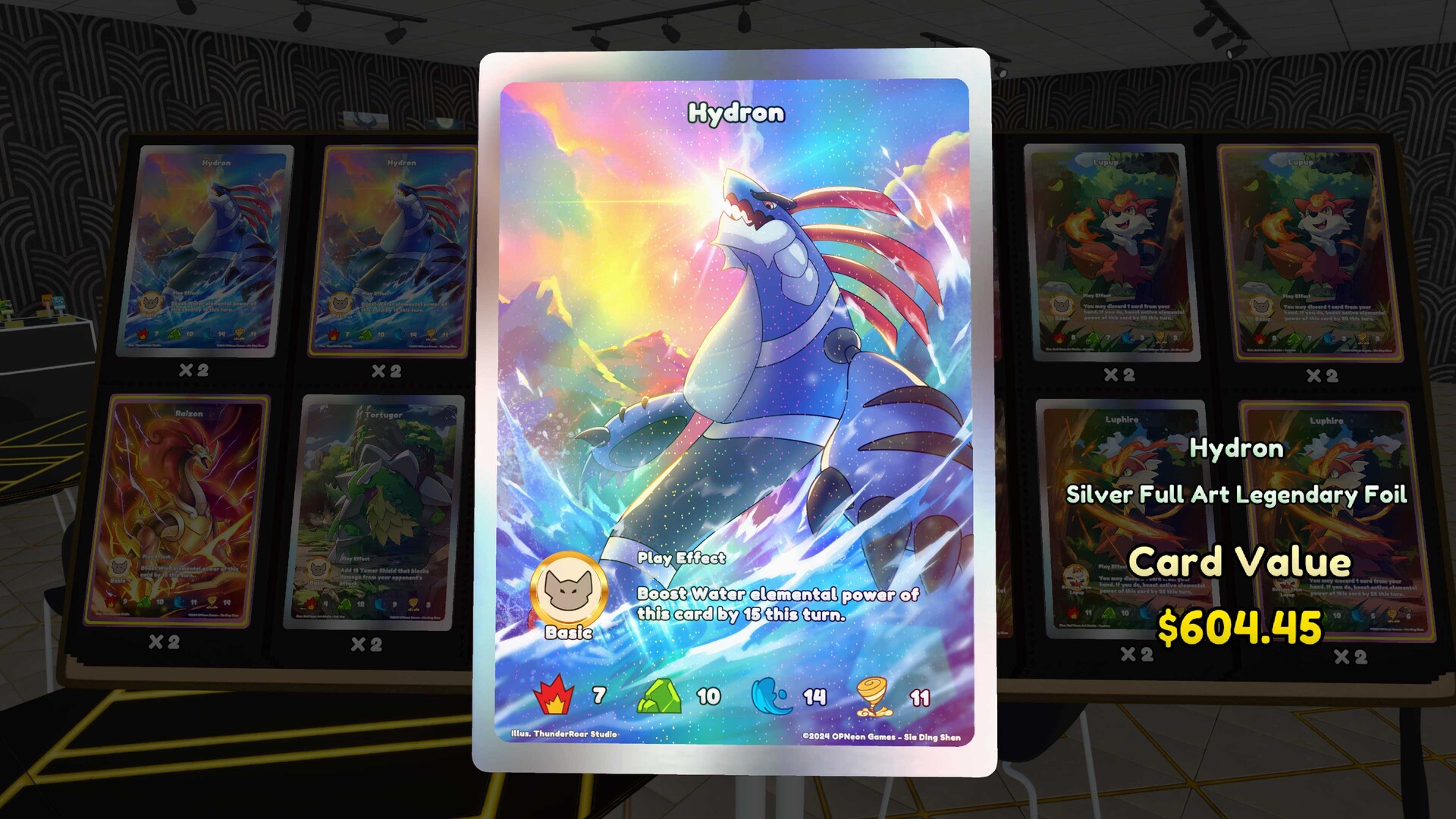
| Drakon | 4 |
| Bogon | 4 |
| Hydron | 4 |
| Raizon | 4 |
| Jacktern | 3 |
| Flami | 4 |
| Moskit | 4 |
| Batrang | 3 |
| Jelicleen | 4 |
| Grizzaw | 3 |
| Wispo | 3 |
| Wolgin | 4 |
| Mufflin | 3 |
| Lupup | 3 |
| Total | 50 cards |
Check your Workbench and collection
For the version 1.0 PC setup, the Workbench unlocks at shop level 7 and costs $1,000. Its deck editor requires exactly 50 owned cards, with a maximum of four copies of a card identity. Different prints or variants still need to respect that identity limit.
Check your collection against the list before assembling it. Read the Workbench rulebook so you can distinguish the deck's general plan from the rules governing each play. Keep the card text in view when deciding how to use a card during a match.
Assemble and select the deck
- Reach shop level 7 to unlock the Workbench needed for deck editing and the in-game rulebook.
- Purchase the Workbench for $1,000 in the version 1.0 PC setup so you can use its deck-building functions.
- Read the Workbench rulebook to learn the rules you will use when piloting the deck.
- Assemble the listed cards in the Workbench deck editor, using the copy counts shown in the table.
- Check that the completed list contains exactly 50 owned cards and no more than four copies of any card identity.
- Select the completed deck for play so it is ready for your next NPC match.
You can also choose a deckbox and playmat based on the licenses you have unlocked. The Workbench supports creating or modifying decks and copying a deck's output list to share it. Keep a copy of your chosen list if you want an easy reference while making changes.
Sequence your opening and maintain pressure
The opening changes depending on whether you go first or second. The first player cannot attack on the opening turn, so the deck author recommends setup or disruptive plays while holding back the strongest attackers. From the second player's opening turn onward, the aim is to fill and refill the four elemental zones with effective attackers.
- Review your initial hand for playable Basics so your opening supports the deck's plan.
- Use the permitted mulligan to look for playable Basics when your opening hand does not support that plan.
- When going first, prioritize setup or disruption because the first player cannot attack on the opening turn.
- When going second, use your opening to establish effective attackers across the four elemental zones and pursue aggressive attacks.
- Refill the four elemental zones with effective attackers on later turns to keep pursuing the beatdown plan.
- Review the opening after the match so your next adjustment addresses a specific difficulty you encountered.
Read the effect text before committing your strongest attacker to a setup play. Ask whether the play helps establish your board or disrupts the opponent in a useful way. Keep the overall attack plan in mind without forcing the same opening regardless of your hand.
Replace missing cards without breaking the list
Replace an unavailable listed card with another owned, legal Basic while preserving the aggressive plan. Keep the finished deck at exactly 50 cards and respect the four-copy identity restriction. Check variants together when reviewing that limit.
Choose a replacement you understand well enough to use in the opening. Read its effect and consider how it supports establishing attackers or maintaining pressure. Make the reason for the change clear before deciding whether to keep it.
After editing, compare your selected deck with the version you meant to build. Check whether your actual matches expose a hand-selection problem, a sequencing problem or a replacement that does not fit your approach. Use that observation to guide further changes instead of replacing cards without a clear purpose.
Take the selected deck into a customer match
- Approach a play table with a lone waiting customer to find an available Tetramon opponent.
- Press RMB or the gamepad right face button at the table to join the match.
- Apply the opening plan for your turn order, then review how comfortably your selected cards carried it out.