Gameplay
How to Submit Cards for Grading and Collect Returns
TCG Card Shop Simulator grading cards guide: choose a service, compare fees and delivery times, submit your cards, then find, display or sell the returns.
Updated
- Guides
- 39
- Topics
- 3
- On this page
- 7

Submit cards through The Cardinal's Grading
Open The Cardinal's Grading app on your in-game phone, choose a submission slot, select cards from your collection and confirm a service. When the returned grading package arrives, open it and use the album's Graded view to find the completed cards.
Choose the cards you want graded
You can submit up to eight cards in a package and have up to four submissions active simultaneously. A PC control update changed card selection in the grading album to right-click, while left-click opens a close-up inspection. If clicking a card only brings it closer, use right-click to select it for the submission.
Decide whether you want a graded collection piece or a card you intend to sell. For a favorite, consider how much you are comfortable spending to keep it graded. For a potential sale, compare its existing value and grade-specific price graph with the service fee before committing.
Select and confirm a grading submission
- Open The Cardinal's Grading app on the in-game phone to access the grading service and its submission slots.
- Choose a submission slot to begin selecting the cards for that package.
- Select up to eight cards from your collection for the submission. On PC, right-click selects a card in the updated grading album controls.
- Choose a grading service according to its quoted fee and return time. Faster service changes the wait, without improving the grade itself.
- Review the selected cards and quoted service details so the package matches what you intend to submit.
- Confirm the submission to send the selected cards through the chosen grading service.
Compare grading fees and return times
| Service | Return time and fee |
|---|---|
| Value | 12 in-game days; $10 per card. |
| Standard | 7 in-game days; $40 per card. |
| Express | 4 in-game days; $200 per card. |
| Premium | 2 in-game days; $1,500 per card. |
Shipping adds $10 per submitted package. Include that charge when comparing the cost of the submission with the card's existing value and possible sale proceeds. Check the quoted service details before confirming so you are comfortable with both the fee and the wait.
Pay for the return time you actually need
Paying for a faster grading tier does not improve the grade a card receives. Treat the extra fee as a choice about how soon you want the card back. Keep that distinction in mind before spending heavily on a card you hope will become more valuable.
Submissions placed after 1 PM begin processing on the following game day. Account for that start time when judging how long your chosen service will take. Use the submission's quoted timing when planning around the return.
For a card you intend to sell, compare its existing value and grade-specific price graph with the grading fees. Your eventual sale proceeds remain uncertain, and a displayed graded market value does not guarantee that a customer will pay it. Choose a service whose cost still makes sense to you if the sale is less rewarding than you hoped.
Collect and inspect the graded return
- Open the grading package once it returns to collect the completed graded cards.
- Switch the album to its Graded view to locate the cards from the opened return.
- Inspect the TCG Price graph for the card's actual grade to judge the returned card using the relevant price information.
Choose between keeping, displaying and selling
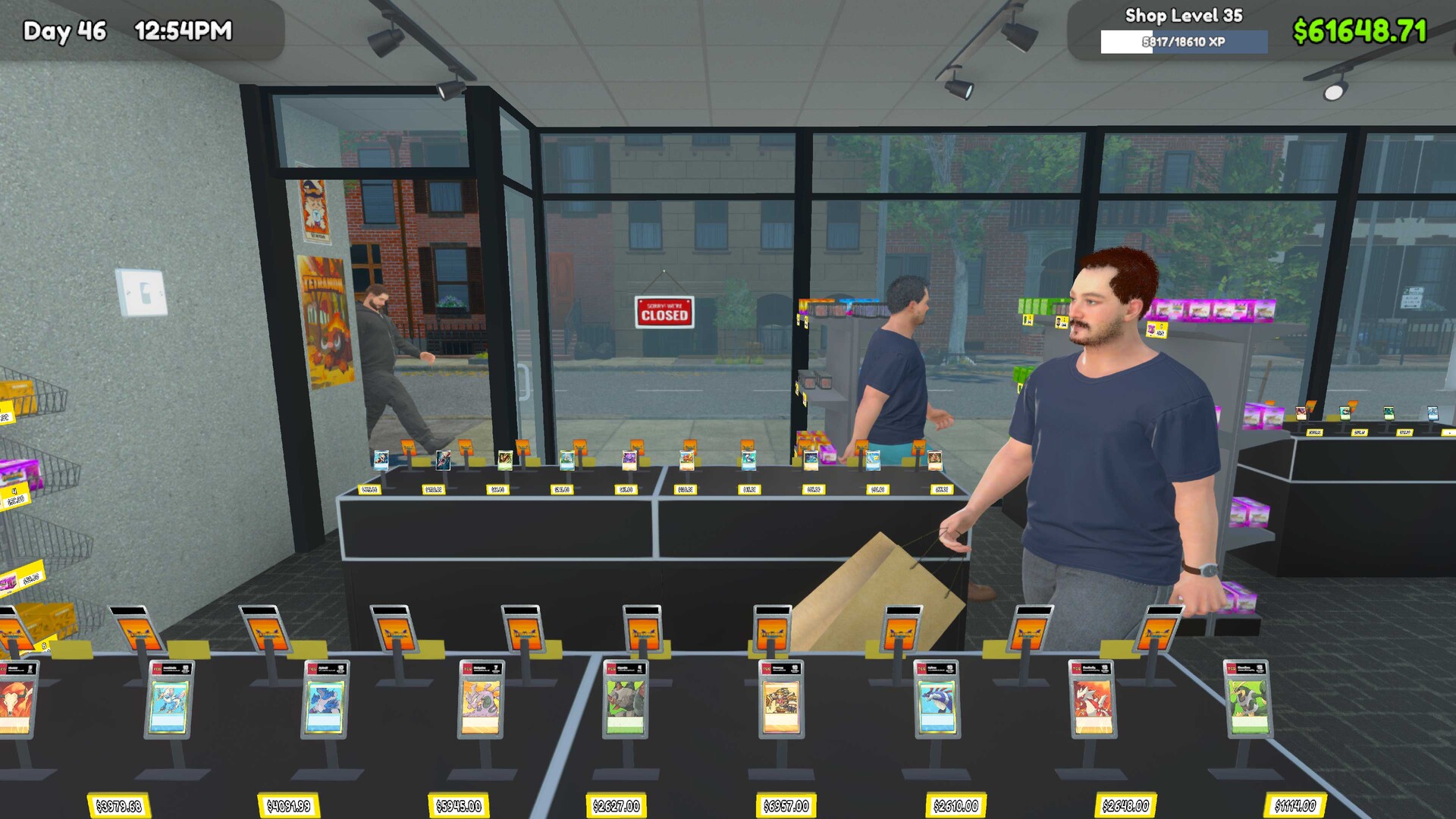
Use display-only furniture for graded cards you want to exhibit. To offer selected graded cards for sale, place them on a Card Table or Vintage Card Table. Make that choice deliberately when deciding where a returned card belongs.
Check the actual grade and its TCG Price graph before deciding what to do with the return. The displayed market value gives you information to consider, but customer payment at that amount is not guaranteed. Keep cards you value as collection pieces, and approach sale plans with the grading expense already in mind.