Gameplay
Troubleshoot a Stuck Tournament Safely
Match your tcg card shop simulator tournament glitch to documented symptoms, check setup and patch history, preserve your save and report a persistent failure.
Updated
- Guides
- 39
- Topics
- 3
- On this page
- 8
Identify the tournament failure before changing anything
Documented tournament failures include customers appearing naked or disappearing after loading, incorrect pairing data, an unstarted match you cannot join and a tournament that stops progressing. Match your symptom to the patch history below, preserve your save and check the event setup before choosing your next action.
Tournament symptoms and the patches that address them
| Issue | Documented patch history |
|---|---|
| Tournament customers appear naked or disappear after loading. | Earlier 0.70.3 notes document tournament customer save/load issues, and the 1.0 announcement includes additional fixes for tournament customer data. |
| Pairing data becomes incorrect after ending the day before the event finishes. | The earlier 0.70.3 notes document this pairing issue. The day ending before the tournament finishes is the trigger to include when describing the failure. |
| Your tournament match has not started, but you cannot join it. | Build 1.01 addresses the player being unable to join an unstarted tournament match. |
| The tournament cannot progress. | Build 1.02 lists a possible fix for tournament progression. That wording does not establish that every stuck-tournament case is resolved. |
Use the version history without assuming a repair
Use these version numbers to identify the relevant fixes, rather than treating them as a list of every build affected by each failure. The patch history identifies tournament customer data fixes in 0.70.3 and 1.0, a player-join fix in 1.01 and a possible progression fix in 1.02. Check your installed version against the fixes that match your symptom.
Keep the distinction between a fix announcement and the state of your own event. A possible progression fix is a reason to check your installed build, while a tournament that remains stuck after updating still needs a report. Describe what your event actually does rather than assuming it has the same cause as another player's failure.
Check an event that has not started correctly
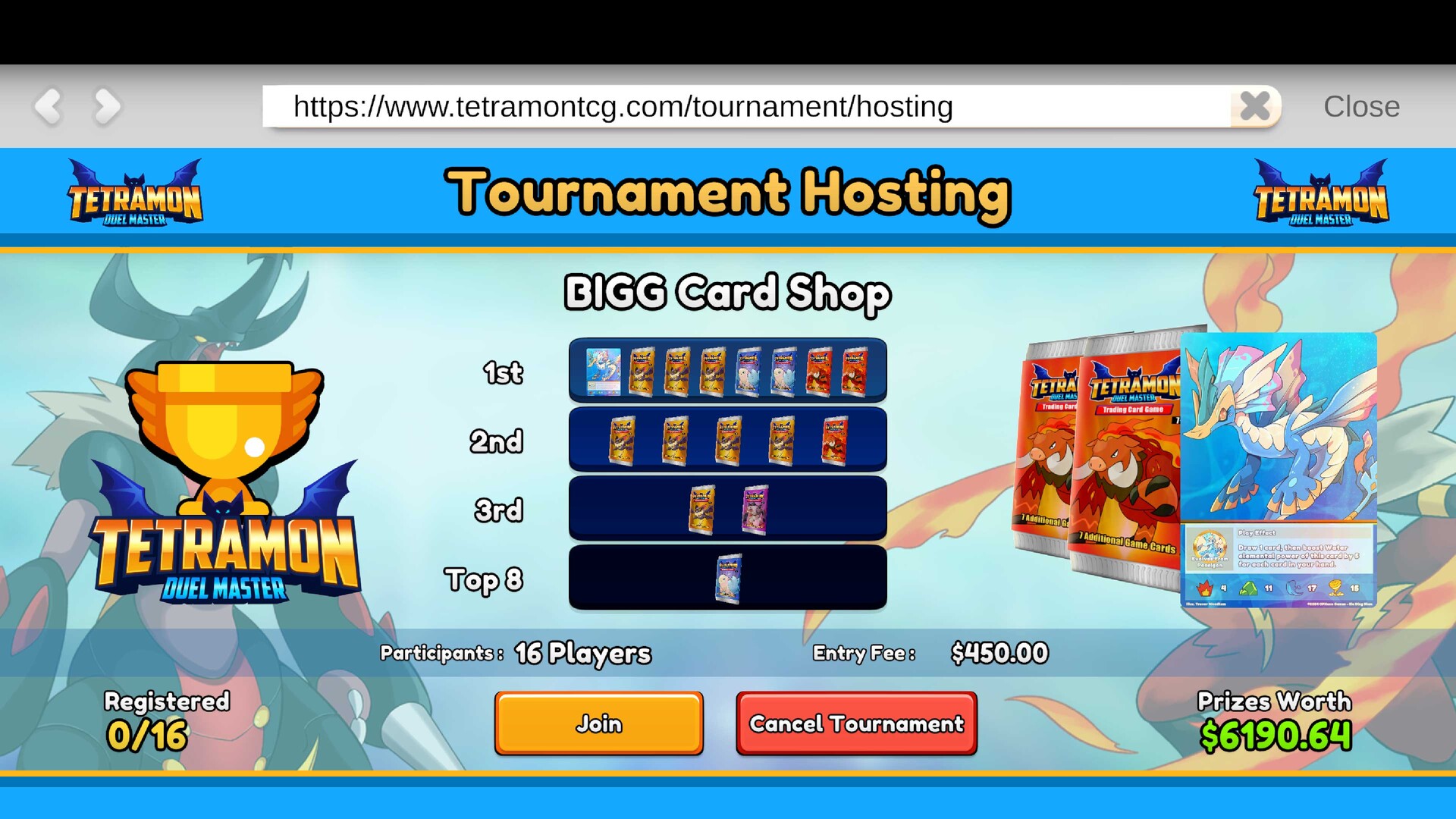
- Verify the Tournament Prize Shelf and its supplied prizes. This checks the prize setup before you classify the event as a progression failure.
- Verify the numbering of the Play Tables. Correct table numbering is part of the setup to check when an event will not begin properly.
- Check customer access to the Play Tables and Tournament Prize Shelf. Keep those destinations reachable so access problems are considered alongside the event configuration.
- Identify the point at which the event stopped working. Separate an event that was never configured correctly from a tournament that failed to advance after matches had started.
Handle a match you cannot join or a bracket that stalls
For an unstarted match you cannot join, check whether your installed build includes the developer's 1.01 fix. For a tournament that fails to advance, check for the 1.02 possible progression fix. Keep these symptoms separate when describing the problem, because being unable to enter your match and a bracket failing to move forward are different documented failures.
If you are reproducing the older pairing issue, avoid ending the day while the tournament remains unresolved. That precaution follows the documented trigger in which ending the day before the event finished produced incorrect pairing data. Preserve the save while you identify the failure instead of using the day transition as a recovery experiment.
Handle customers who change or disappear after loading
If tournament customers appear naked or go missing after loading, match the symptom to the customer-data save/load fixes in the patch history. Check your installed build and retain the affected save while you investigate. Include the loading step in your description, since it distinguishes this symptom from an event that could not be configured in the first place.
Report a tournament that remains broken after updating
- Record the platform and exact game version. This gives the report a clear build reference for comparison with the tournament fixes.
- Describe the saved event state. Explain whether setup was incomplete, your match could not be joined or the tournament stopped advancing after play began.
- Write the actions that reproduce the failure in order. Include loading or ending the day when either action was part of the problem so the report preserves the relevant trigger.
- List any active mods. Include that information with the event state and reproduction steps rather than leaving it out of the report.
- Submit the report through the developer's Discord or community reporting channels. Send the platform, version, saved event state, reproduction steps and active mods together so the details remain easy to follow.
Keep the affected save while the issue is investigated
Preserve the affected save and keep a clear account of what happened before the tournament stopped working. The developer has said post-launch bug reports are being reviewed, so a persistent failure belongs in the reporting channels after you have checked setup and updates. Your next useful step is a report tied to the event you can describe, with the relevant symptom and actions kept together.