Gameplay
TCG Card Shop Simulator Workbench: Unlock and Build Decks
Use the TCG Card Shop Simulator workbench to unlock deck tools, read the Tetramon rulebook, build a legal deck and check missing cards before your next duel.
Updated
- Guides
- 39
- Topics
- 3
- On this page
- 7
Unlock the Workbench and reach its deck tools
In the unmodified PC game, the Workbench unlocks at shop level 7 and costs $1,000 through MY DIY. Place it somewhere accessible, then interact with it to read the Tetramon rulebook, create or edit a 50-card deck, and select your completed deck before approaching a waiting NPC.
Workbench furniture, tools and duel preparation
| Item or tool | Use | Access and requirements |
|---|---|---|
| Workbench furniture | Provides access to the Tetramon rulebook and deck tools. | Unlock at shop level 7, buy through MY DIY for $1,000 in the unmodified PC game, then place it where you can interact. |
| Tetramon rulebook | Explains the playable card game's full rules. | Interact with the Workbench and open the rulebook. |
| Deck editor | Creates or changes a 50-card list using owned cards. | Use the Workbench's deck editor and check that the required copies are eligible and available. |
| Active deck | The completed deck selected for your next duel. | Select the completed deck for use before approaching a waiting NPC at a Play Table. |
| Deck box | A selectable part of your deck setup. | Choose from the options allowed by your unlocked licenses. |
| Playmat | A selectable part of your deck setup. | Choose from the options allowed by your unlocked licenses. |
| Copied deck list | Shares your deck through an output list you can send to a friend. | Copy the deck's output list using the deck-sharing function. |
| Play Table | Provides the opportunity to challenge a lone waiting NPC customer. | Have a completed deck active, approach the waiting customer, and press RMB or the gamepad right face button. |
Buy the Workbench and prepare your deck
- Reach shop level 7 before looking for Workbench access. This is the unlock requirement for the unmodified PC game.
- Open MY DIY and purchase the Workbench for $1,000. Leave enough room in your shop to place it somewhere you can reach.
- Place the Workbench in an accessible location and interact with the furniture to reach its rulebook and deck tools.
- Open the Tetramon rulebook before building your deck. Use it to learn the card game's rules and return to it when you need a rules reminder.
- Use the deck editor to create a list or change an existing one. Build with owned cards and finish with exactly 50 eligible cards.
- Choose a deck box and playmat from the options your licenses have unlocked. Then select the completed deck for use before heading to a Play Table.
Check card ownership and deck legality
A completed deck needs exactly 50 cards, with no card identity exceeding the four-copy limit. You also need enough eligible owned copies for the list you are building. Check the total and each card's copies while editing so you can identify the particular change your deck needs.
If an expected print is unavailable, check whether it is reserved, graded or missing from your collection. The important check is whether that print is available for deck construction. Review the missing entry before replacing other cards, so you can keep the rest of your intended list intact.
After changing a deck, make a habit of checking the completed list before leaving the Workbench. Read the cards you chose and decide whether each choice fits how you want to play. Keep your first adjustments focused so it is easier to judge what you want to change after a match.
If your deck or duel is unavailable
- Check the deck total: the selected list must contain exactly 50 cards. Correct the total before looking for a different cause.
- Check copies by card identity: no identity should exceed the four-copy limit, and you must own enough eligible copies of the cards selected.
- Check unavailable prints: look for cards that are reserved, graded or missing from your collection when an expected card cannot be used.
- Check the active deck and opponent: a completed deck must be selected, and an NPC must be waiting at the Play Table.
Take the completed deck into a duel
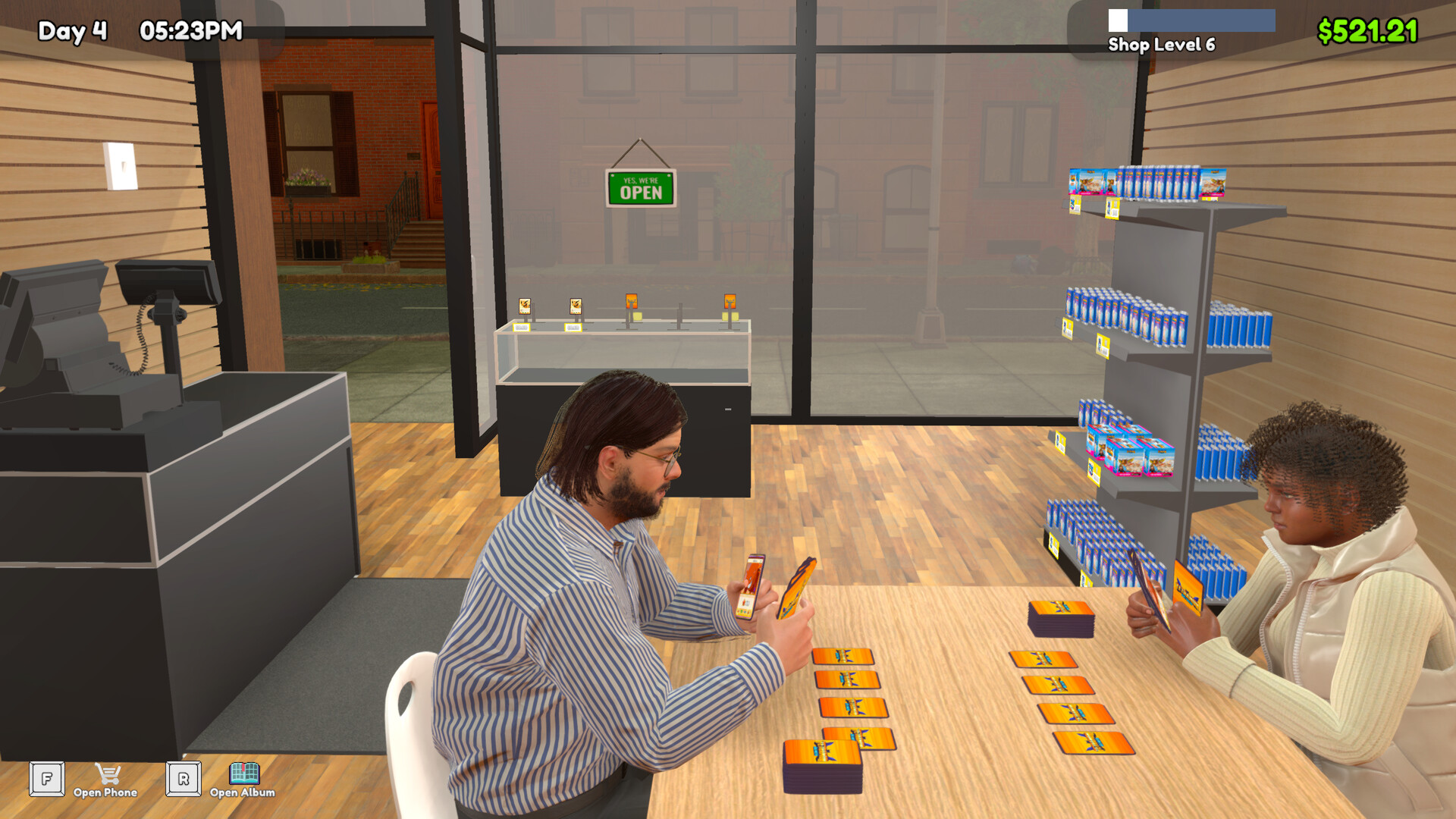
- Select your completed deck for use, then look for a lone NPC customer waiting at a Play Table.
- Approach that customer's Play Table and press RMB or the gamepad right face button to join the card game.
- If the interaction is unavailable, return to the preparation checks: confirm the completed deck is active and that a customer is waiting.
Tetramon matches are described as taking 3–5 minutes while your shop continues operating. You can also participate in tournaments you host and receive prizes based on your final ranking. Use a match to decide what you want to revisit at the Workbench before entering another.
Share your deck list with a friend
The Workbench's deck tools let you copy an output list and send it to a friend. Tetramon battles are currently against NPCs, so sharing a list does not provide a multiplayer duel. Use the shared list to discuss your choices, then select your own completed deck when you are ready to play.