Gameplay
TCG Card Shop Simulator Tournament Setup and Rewards
Use this tcg card shop simulator tournament guide to prepare numbered tables, set prizes, join your event and follow the bracket through to its rewards.
Updated
- Guides
- 39
- Topics
- 3
- On this page
- 7
Unlock the prize shelf and prepare your tables
To organize a tournament, unlock the Tournament Prize Shelf at shop level 25 for $5,000, then provide prizes, correctly numbered Play Tables and accessible floor space. The smallest bracket has eight entrants and requires four numbered Play Tables.
You can also enter a tournament you host and compete against its customers. Your final ranking determines which configured prizes you can keep. Plan the event around rewards you are comfortable giving away, even when you intend to compete for them yourself.
Make room for players and prizes
Prepare the prize shelf, numbered tables and floor access together before configuring the event. An accessible layout is part of the tournament setup, so leave usable space around the furniture. Keep the store clean as well: customers invited to play card games may leave an unhygienic shop.
Choose your prize items with the shop's needs in mind. Set aside rewards you can afford to hand over, and avoid committing something you would immediately need to replace. If hosting and competing at the same time feels demanding, prepare the layout and your deck before you configure the event.
Set up the tournament in order
- Reach shop level 25 so the Tournament Prize Shelf becomes available to purchase.
- Buy the Tournament Prize Shelf for $5,000 to obtain the furniture needed for the event.
- Place the Tournament Prize Shelf where it has sufficient floor access for your tournament setup.
- Supply prize items so you have rewards ready to assign to finishing placements.
- Prepare four correctly numbered Play Tables for an eight-player bracket, with accessible space around them.
- Open the Tournament app to reach the event configuration.
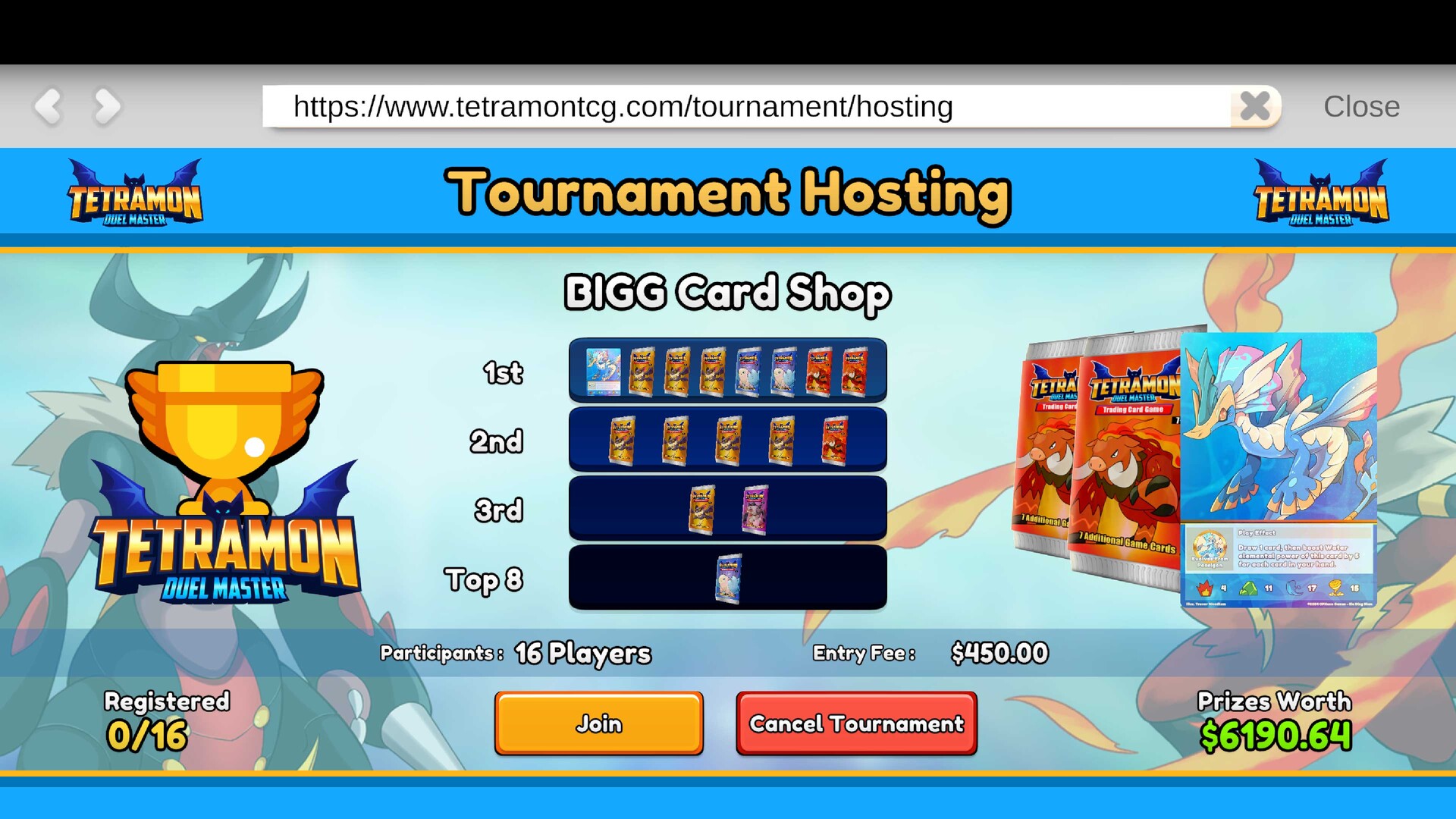
- Choose an eight-, sixteen- or thirty-two-entrant bracket to set the event's size.
- Assign the prize placements so the event has its intended rewards configured.
- Review the registration, fees and rewards in your setup before proceeding with the event.
- Enter your hosted tournament if you want to compete against the tournament customers yourself.
Prepare your deck before joining
Build or edit your 50-card deck at the Workbench before entering the tournament. The Workbench also contains the full Tetramon rulebook. Use that preparation time to read the rules and settle on a deck you are comfortable playing.
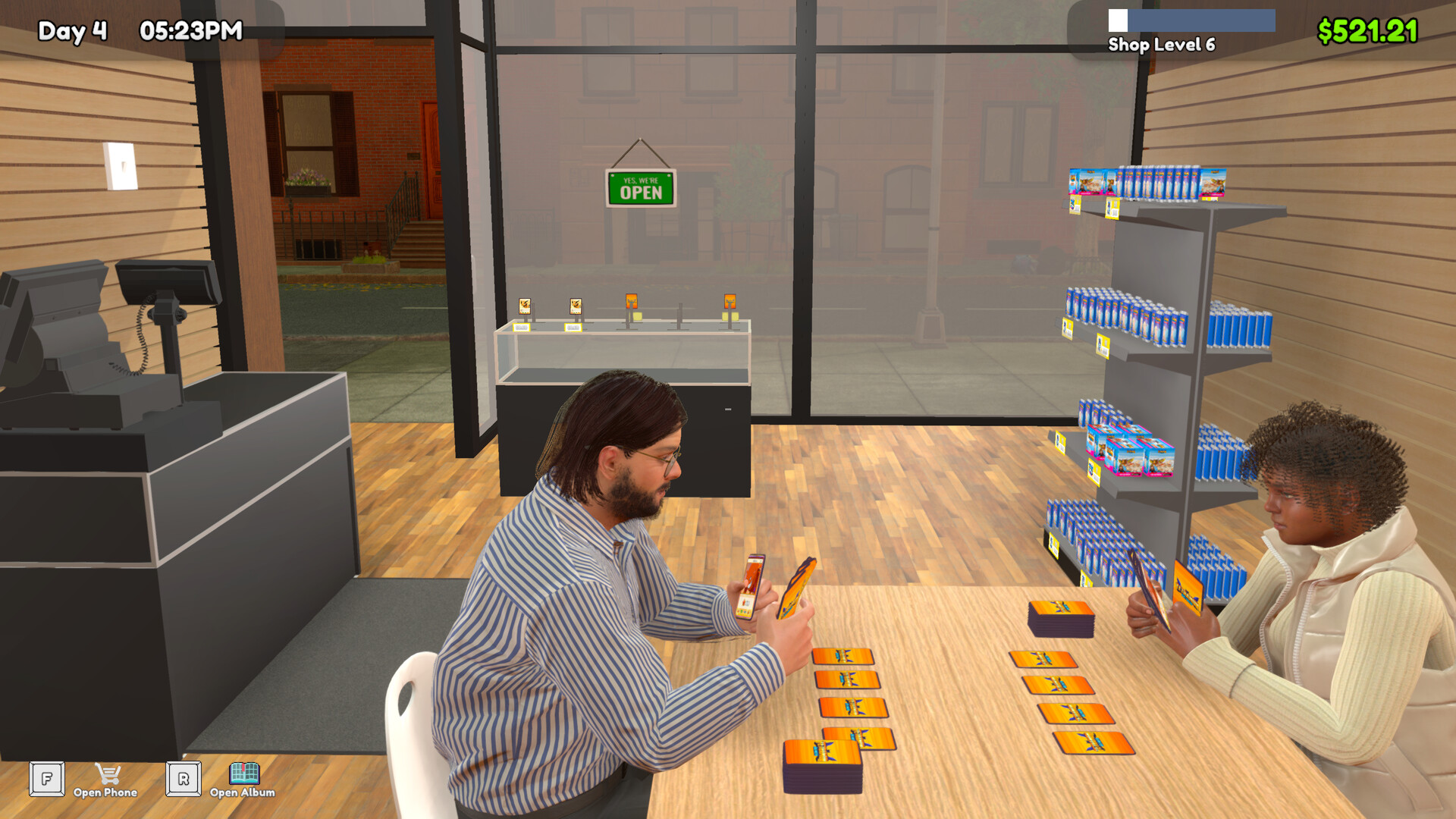
For practice, approach a lone customer waiting at a Play Table and press the right mouse button or the gamepad's right face button to play. The shop continues operating during this customer match. Practising before hosting lets you focus on learning the game before you also have a tournament to follow.
Follow registration and scheduled matches
The event runs through registration followed by scheduled matches. An eight-player single-elimination bracket has three rounds to determine the winner. Follow the tournament's schedule and bracket as the event progresses.
Plan your play session around completing the event. Check the bracket between matches so you can keep track of progress, and leave yourself time to return for scheduled play. Prepare routine shop work beforehand if you want fewer distractions while competing.
Use the final standings to read your rewards
Tournament rewards use the prizes and finishing placements configured for the event. If you participate, your final tournament ranking determines which prizes you can keep. Treat winning a prize back as a possible benefit when budgeting for the event.
Check the setup when a tournament stalls
If an event will not proceed, check the placed prize shelf, supplied prizes, table numbering and floor access. Work through those requirements before spending more on the layout. A missing setup requirement is worth checking before you change the event itself.
The developer has addressed a case where the player could not join a tournament match that had not started, and has also released a possible fix for stalled tournament progression. If your setup is ready but the bracket will not advance, check for available game updates. Avoid repeatedly buying furniture as your first response to that symptom.