Gameplay
Start a Shop That Can Afford Its Next Order
Use these tcg card shop simulator tips to stock your first shop, manage checkout, protect your next order budget and choose upgrades your business can afford.
Updated
- Guides
- 39
- Topics
- 3
- On this page
- 7
Start with stock and money for the next shipment
Before opening, order Basic Card Packs through Stock Order, put the delivered packs on reachable selling shelves, set a reasonable price using the market reference and keep the counter usable. Reserve money for another shipment; a Workbench, expensive displays and additional employees are not required to begin.
Prepare the shop before opening
- Order Basic Card Packs using your starting Stock Order access. This gives you merchandise to put on the selling shelves before you welcome customers.
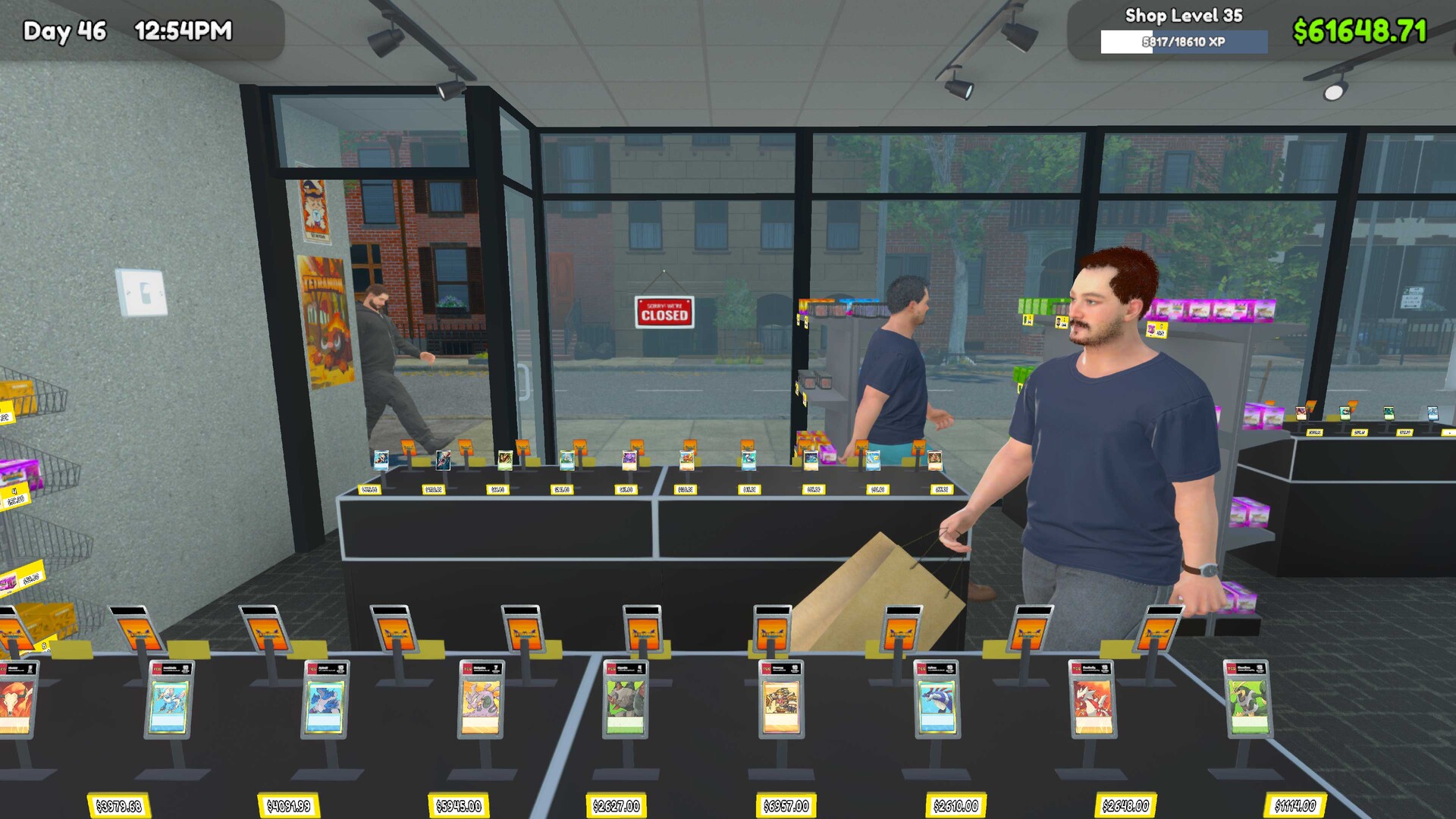
- Place the delivered packs on reachable selling shelves. Check the customer route to the product so the stock you have bought is available for shoppers to purchase.
- Set a reasonable selling price using the game's market reference. Use that reference as your starting point rather than relying on an excessive markup.
- Check that the counter is usable. Keep checkout ready alongside your stocked shelves so you can handle the shop's opening trade.
- Set aside money for the next shipment. Keep that reserve available before considering a Workbench, expensive displays or additional employees.
Give the opening days a clear priority
- Make checkout your first service priority during the opening days. Handle that work before optional activities so the basic retail routine stays at the center of your attention.
- Keep your best-selling products stocked. Focus restocking attention on the merchandise customers are buying so your next order supports the shop's existing trade.
- Use income to fund the next inventory order. Protect that purchase before diverting money into personal pack opening or an upgrade.
- Limit pack opening to money you can afford to divert from retail stock. Decide what is available for collecting only after the next stock order is covered.
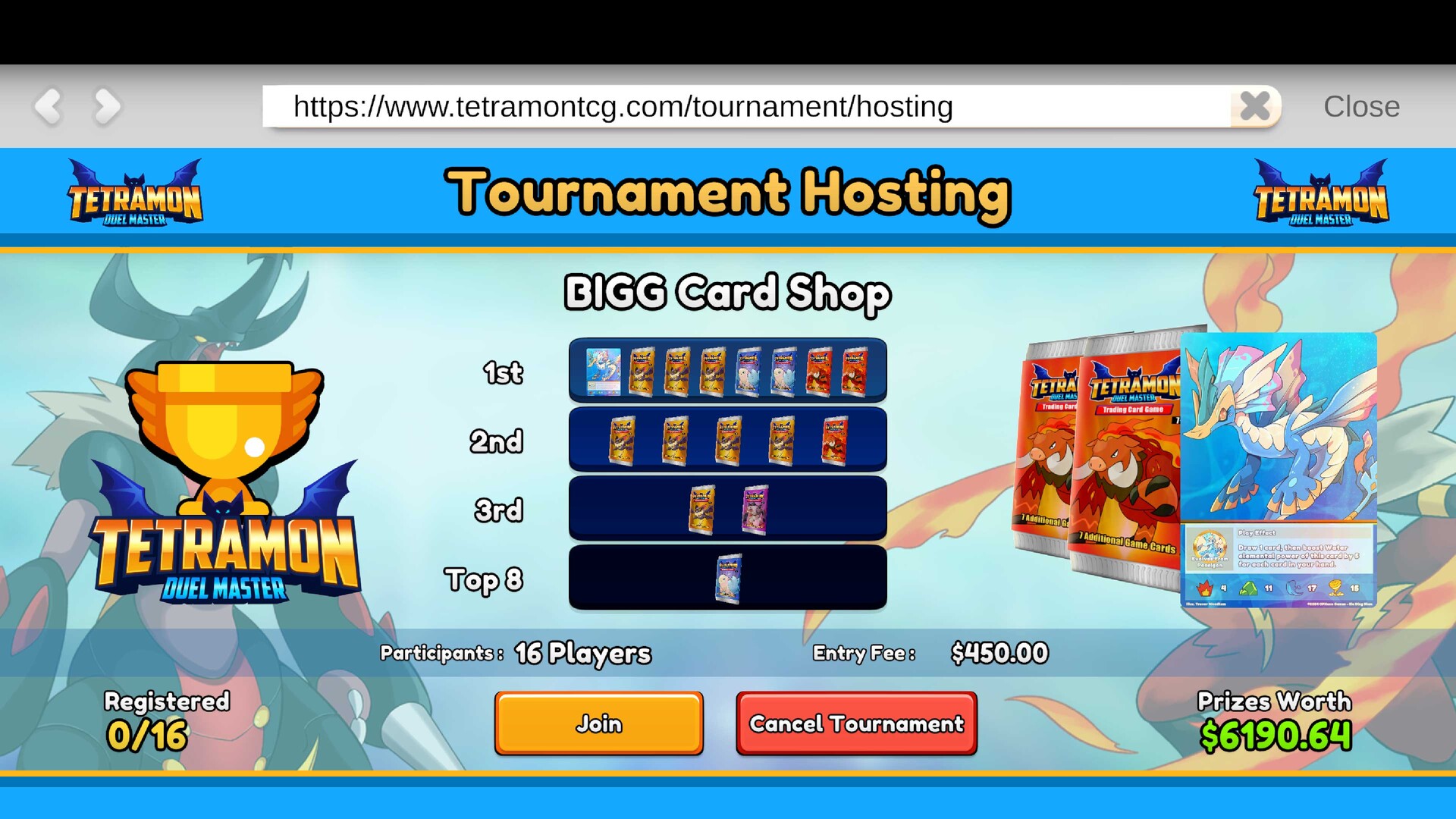
- Choose an upgrade when it serves a specific goal. Consider Play Tables, Card Tables or the Workbench when you have a clear use for the addition and can still support the shop.
Keep pack opening inside an affordable budget
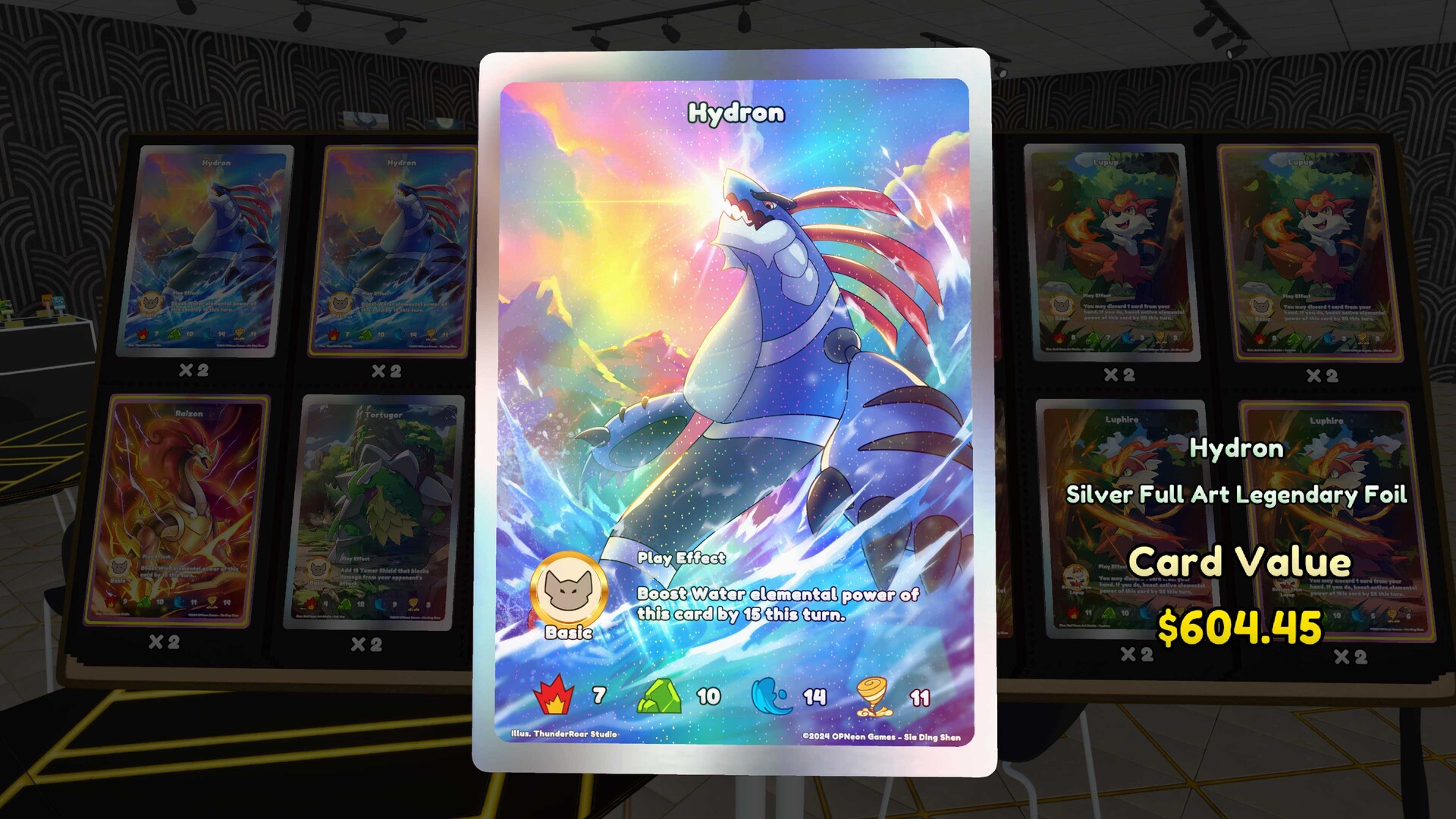
Opening packs competes with the money you need for retail stock, so treat it as a planned choice rather than the default use of spare cash. Keep replacement goods, shipping and bills covered before deciding what you can spend on collecting. If opening packs would leave the next order short, keep the money in the operating reserve.
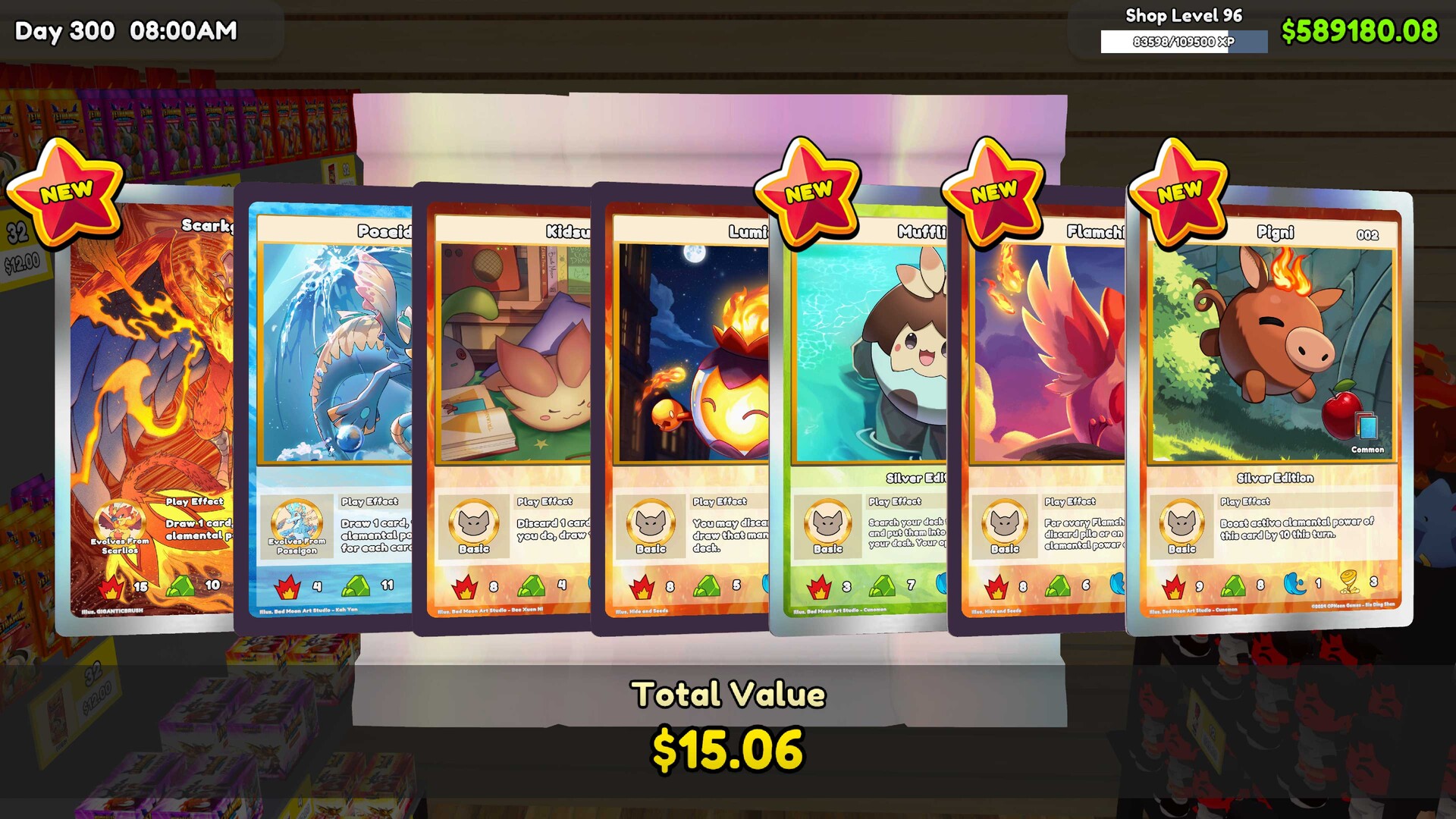
Judge your spending position by the next order and expenses the shop must cover. A lucky card pull can make your cash position look encouraging, but it is a poor reason to spend the reserve immediately. Review what the business still needs before turning that result into a larger collecting budget.
Choose upgrades by the job they serve
| Purchase or upgrade | When to consider it |
|---|---|
| Play Tables or Card Tables | Add them when they serve a specific goal. Keep the next inventory order funded before committing money to the addition. |
| Workbench | Available at shop level 7. Buy it when its role fits your plans; it is not required to open the first shop. |
| First employee | Available at level 10. Consider hiring when repeated checkout or restocking work creates a measurable problem, with enough income to support payroll. |
| Product licenses | Keep enough cash to stock the merchandise after purchasing the license. Access to a product is not a reason to leave its stock budget unfunded. |
| Extra shop space | Wait until the existing shop can support the cost. Preserve money for replacement goods, shipping and bills when weighing expansion. |
Catch the mistakes that leave the next order short
Look for money committed to optional purchases while essential stock still needs replacing. Spending the reserve on packs, buying licenses without a merchandise budget and adding space or payroll too early are common ways to leave the shop short. Pause the next optional purchase and work out what the existing shop needs to keep trading.
Check selling conditions as well as spending. Excessive markups and blocked shelves reduce sales while daily expenses continue, so buying more merchandise is not the whole answer. Review the price and customer access before treating weak sales as a reason to expand the product range.
Make the next purchase earn its place
Before buying an upgrade, name the problem it should solve: repeated checkout work, repeated restocking work or a specific activity you want to add. Then check that replacement stock and the shop's other expenses remain covered. This gives you a practical reason to spend without making every newly available purchase an immediate priority.
Keep the same discipline when the shop starts to feel comfortable. Restock the products that are selling, fund the next order and let the remaining budget guide optional purchases. Growth is easier to judge when you can explain how the current shop will pay for what comes next.