Gameplay
Unlock and Use the Card Projector
Use this tcg card shop simulator card projector guide to compare unlocks and prices, display a card from your collection and check a missing projection.
Updated
- Guides
- 39
- Topics
- 3
- On this page
- 4
Buy an unlocked projector through MY DIY
Card Projector S unlocks at shop level 15 for $1,000, M at level 30 for $3,000, and L at level 60 for $8,000; purchase the unlocked model through MY DIY. Place it in your shop, then interact with it to select or insert an owned card for a magnified digital display.
Compare the Card Projector models
| Projector | Display purpose | Shop level | Purchase price | How to get it |
|---|---|---|---|---|
| Card Projector S | Magnifies a chosen owned card on a digital display. | 15 | $1,000 | Purchase through MY DIY once unlocked, then place it in the shop. |
| Card Projector M | Magnifies a chosen owned card on a digital display. | 30 | $3,000 | Purchase through MY DIY once unlocked, then place it in the shop. |
| Card Projector L | Magnifies a chosen owned card on a digital display. | 60 | $8,000 | Purchase through MY DIY once unlocked, then place it in the shop. |
Put a card on the projector display
- Place your purchased Card Projector in the shop to prepare the display fixture.
- Interact with the placed projector to access its card-selection or insertion interaction.
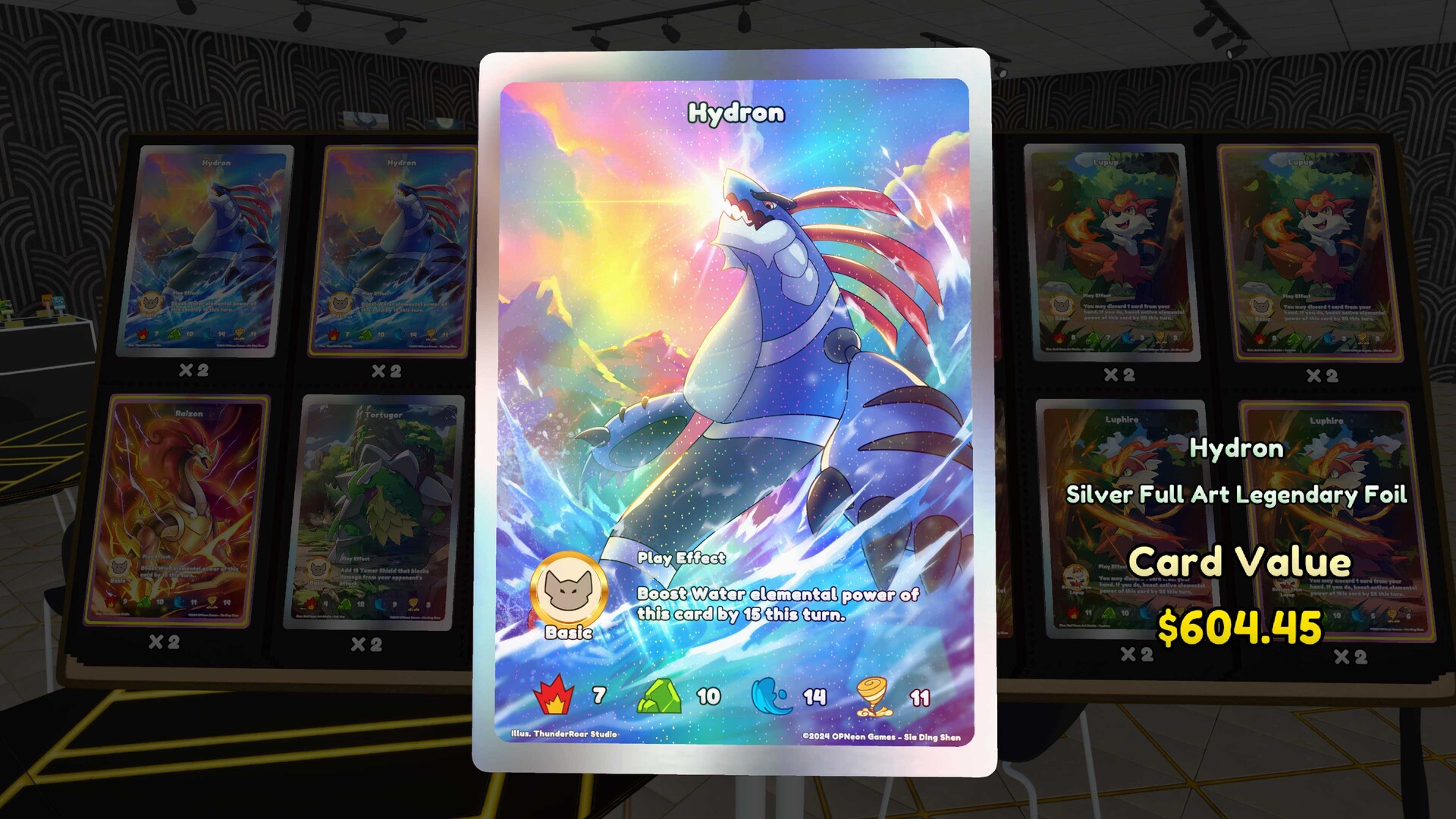
- Select or insert a card from your collection to show its magnified appearance on the digital display.
Use a card you own and choose it through the projector's interaction. The card is there for presentation and does not become a customer-purchasable single. Pick the card you want to show off with that display purpose in mind.
Keep card presentation separate from your selling plans when choosing where to place the fixture. A Card Table sells singles, while the projector displays your chosen card. If your goal is to offer a single to customers, use the selling fixture for that task.
Check a blank or obstructed projection
- Verify that you purchased and placed the Card Projector you intended to use, rather than a different card fixture.
- Check that an owned card is selected or inserted in the projector so it has a card to display.
- Check that the projection surface is unobstructed so the display is not hidden by its surroundings.
- Identify the fixture if its behavior seems wrong: a Card Table is used to sell singles rather than project them.
Work through the fixture, selected card and projection surface in that order. If you find an obstruction, clear the view before trying a different card. Make the display easy to inspect so you can tell whether the card you selected is visible.